
Mark attendance in seconds, not minutes.
GuruDesk helps coaching centres and tuition teachers replace manual registers with a fast, reliable digital attendance tracker.
The problem with paper registers
Calling out names from a paper register takes time away from teaching. Worse, when a parent asks how many classes their child missed last month, you have to flip through pages and manually count the absent marks. It's tedious and error-prone.
Get our free attendance templates →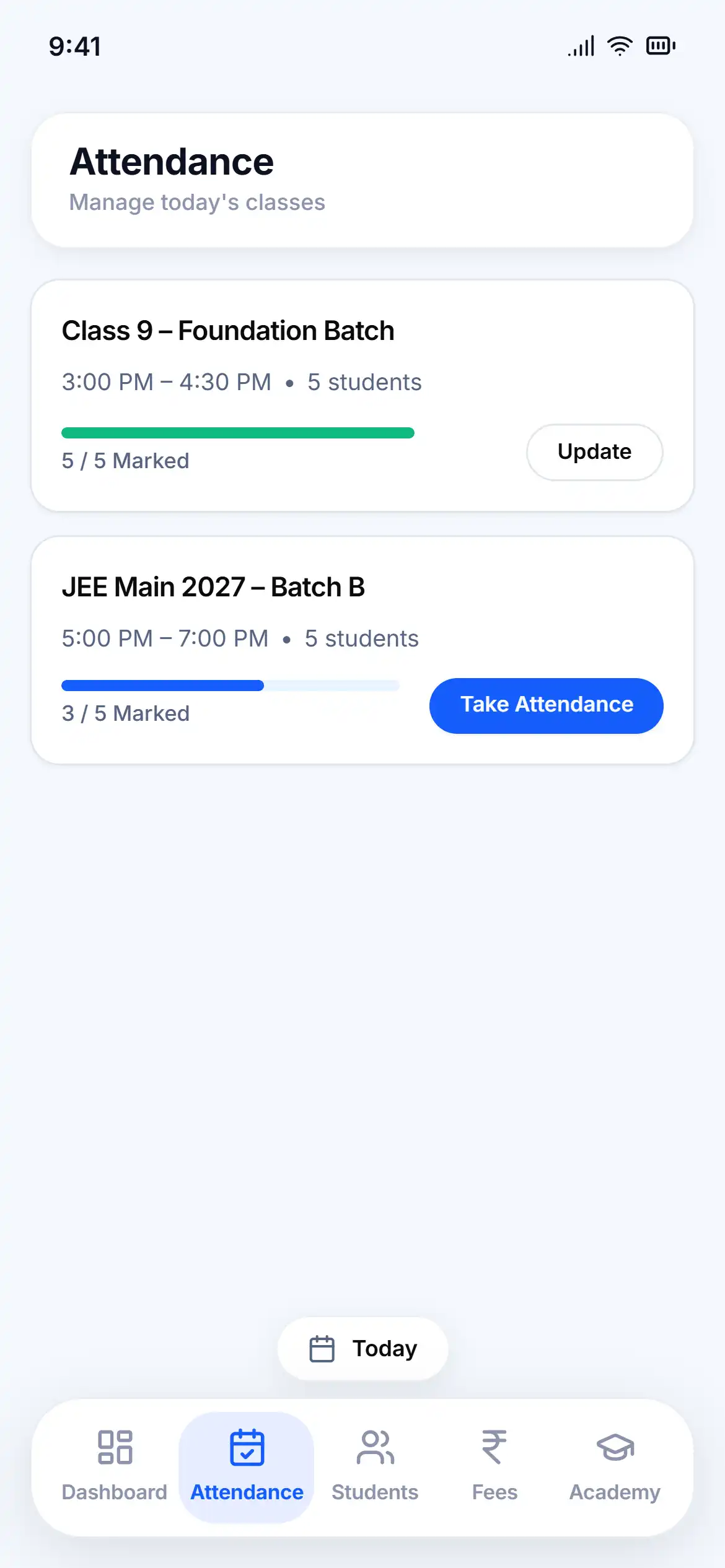
How GuruDesk handles attendance
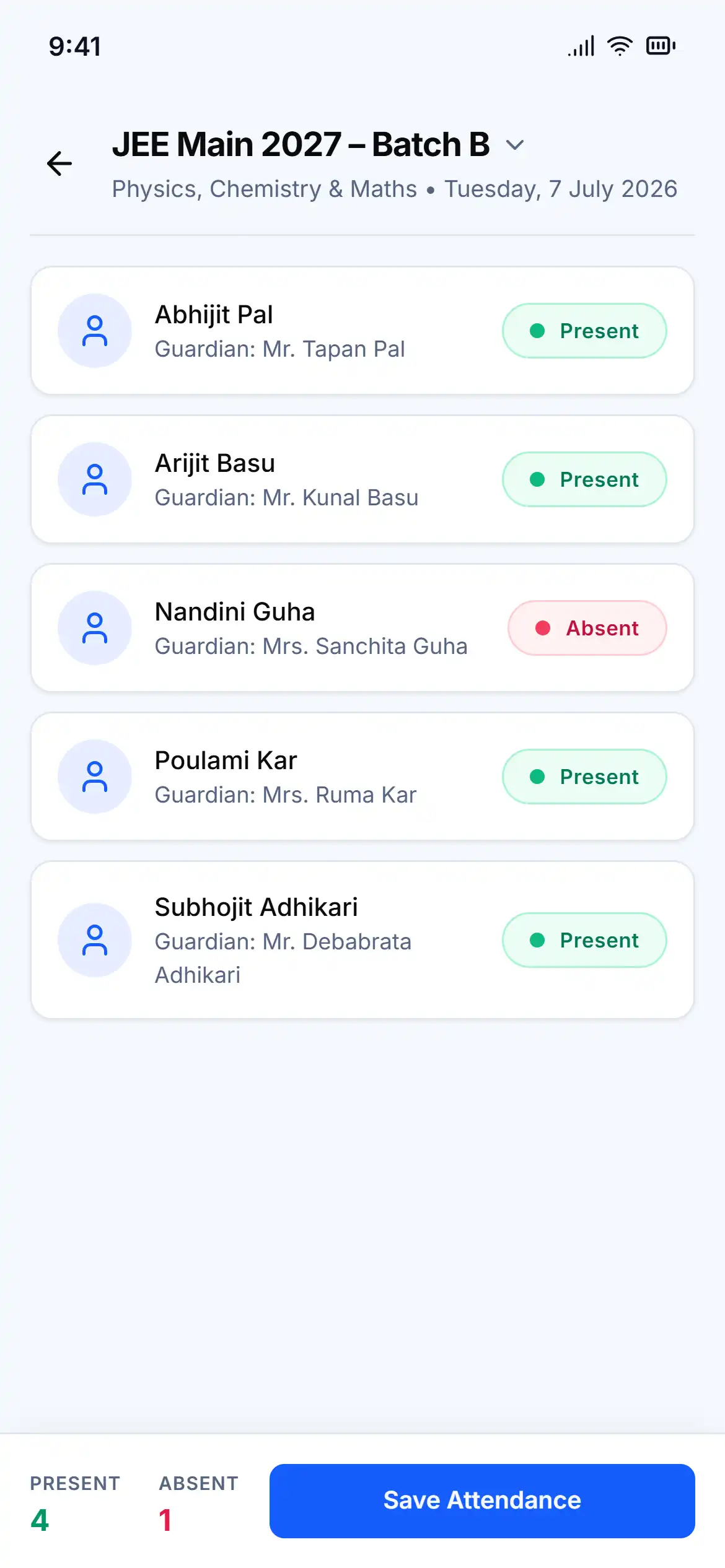
- Mark a full batch: Open a batch and tap to mark students present or absent instantly.
- Attendance history: See the complete attendance history for the entire batch at a glance.
- Student records: Open any student's profile to see their individual attendance percentage and missed days.
- Mobile friendly: The entire process works smoothly on your phone while you stand in class.
Questions, answered
Yes, you can pull up a batch and mark all students present or absent in just a few taps.
Yes. GuruDesk keeps a permanent record of past attendance so you can always check who was present on a given day.
Absolutely. Each student profile shows their personal attendance history.
Yes, GuruDesk is designed to be fully functional and fast on mobile devices.